Friction, removed
Your next shopping list might start as a photo
Handwritten notes, screenshots, and camera-roll scraps are becoming first-class shopping inputs. The win is not the scan—it is skipping the retyping without losing control.
October 3, 2026 · 5 min read
Typing is the tax nobody asked for
A shopping list often exists before it becomes a shopping list. It is a note stuck to the refrigerator, a screenshot from a recipe, a photo of an empty package, or a few items written on the back of an envelope. The information is already there. The tedious part is entering it again somewhere useful.
That tiny bit of duplicate work matters because household systems live or die on friction. If capturing an item takes too many steps, people postpone it. Then the list is incomplete, the person at the store sends a text, and everyone repeats the same coordination they were trying to avoid.
The camera is becoming a shopping input
Shopping tools are starting to treat images as instructions instead of attachments. Amazon says its shopping assistant can turn a photo of a handwritten grocery or holiday list into cart items. Google Lens has made product discovery from photos and screenshots a normal part of shopping, with visual searches connecting what people see to product details and places to buy.
The larger shift is simple: people should not have to translate the world into perfect search terms or neatly typed rows before software can help. A photo can be the first draft.
A good import still needs a review step
Reading a list is not the same as understanding it. Handwriting can be ambiguous. A quantity may belong to the next line. “The usual” means something to a household and nothing to a scanner. Even a clean result can contain a confident mistake.
That is why the best workflow does not jump straight from photo to purchase. It turns the image into editable suggestions and makes uncertainty visible before anything is saved.
- Keep the original photo nearby so every row can be checked.
- Separate quantity, unit, and item name instead of flattening them into one phrase.
- Call attention to uncertain readings rather than quietly guessing.
- Let the shopper correct the result before it reaches the shared list.
The useful version takes about a minute
Take one clear photo with the whole list in frame. Share it to the tool you use for shopping. Review the recognized rows, fix anything uncertain, and add the clean result to the household list. The goal is not a magical zero-click import. It is replacing five minutes of retyping with one minute of checking.
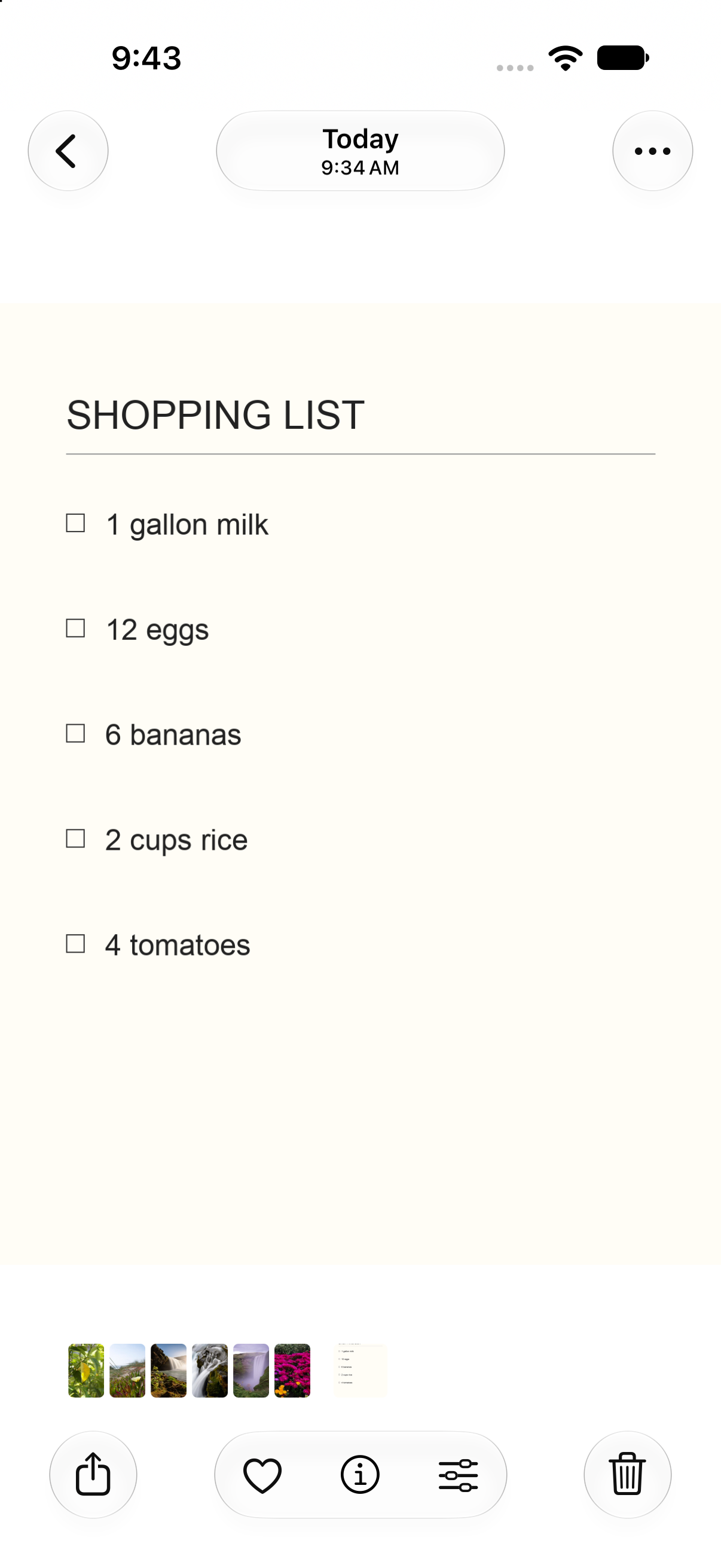
We are testing this pattern in Shoplan: share a shopping-list photo from iPhone Photos, review the quantities and item names Shoplan reads, then add the approved items to the list. It is deliberately review-first because a fast mistake is still a mistake.
Capture should be easy. Decisions should stay yours.
The most promising shopping technology is not the kind that invents more things to buy. It is the kind that notices the work households already do and removes the boring translation in the middle.
A camera will not replace the shopping list. It may become the easiest way to begin one—and that is a much more useful change.